Skip to content

Country

RetroPixel IPS Q5 LCD Kit for Game Boy Color

Original price $62.99 - Original price $62.99
Original price
$62.99
$62.99 - $62.99
Current price $62.99

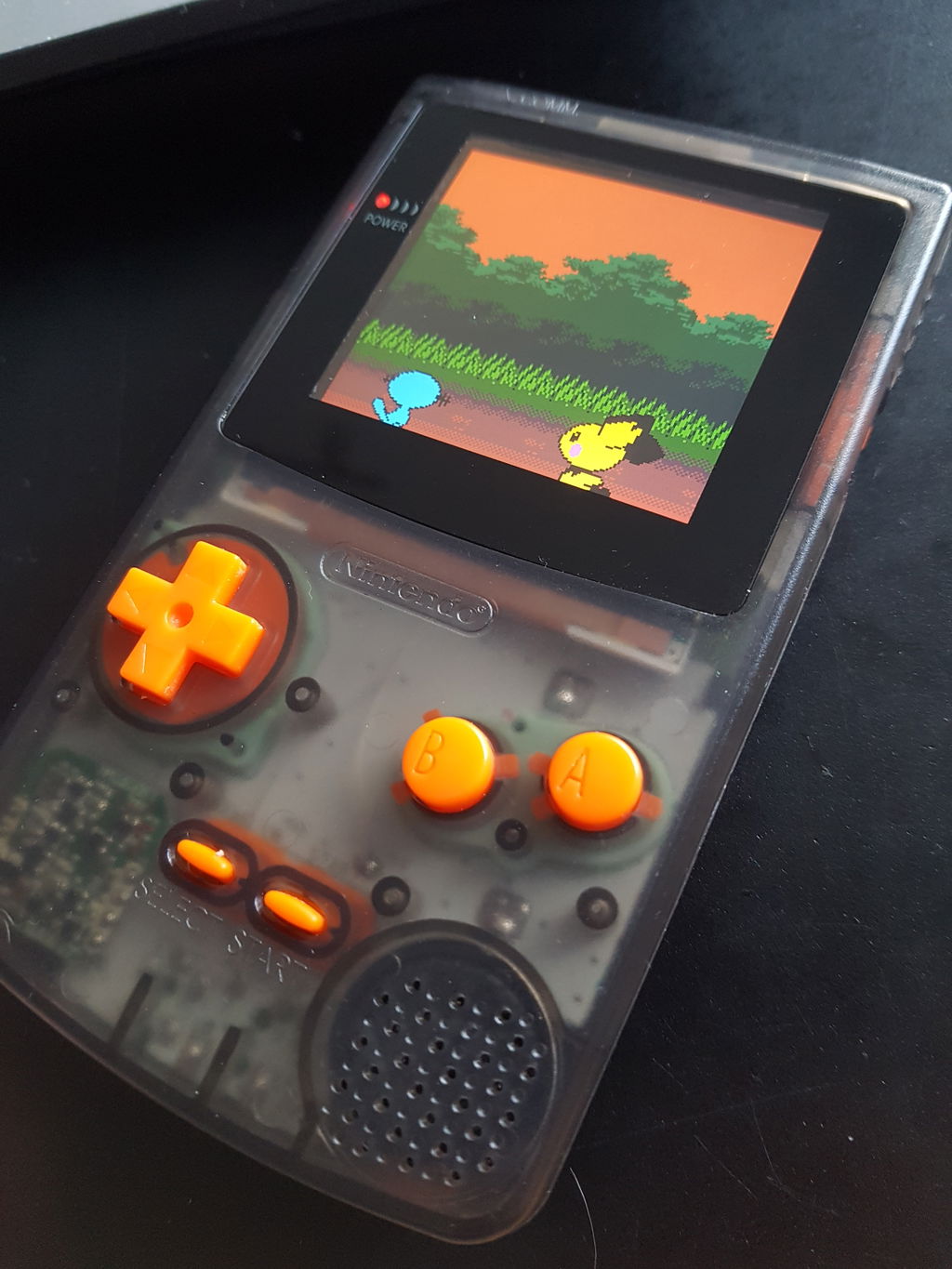
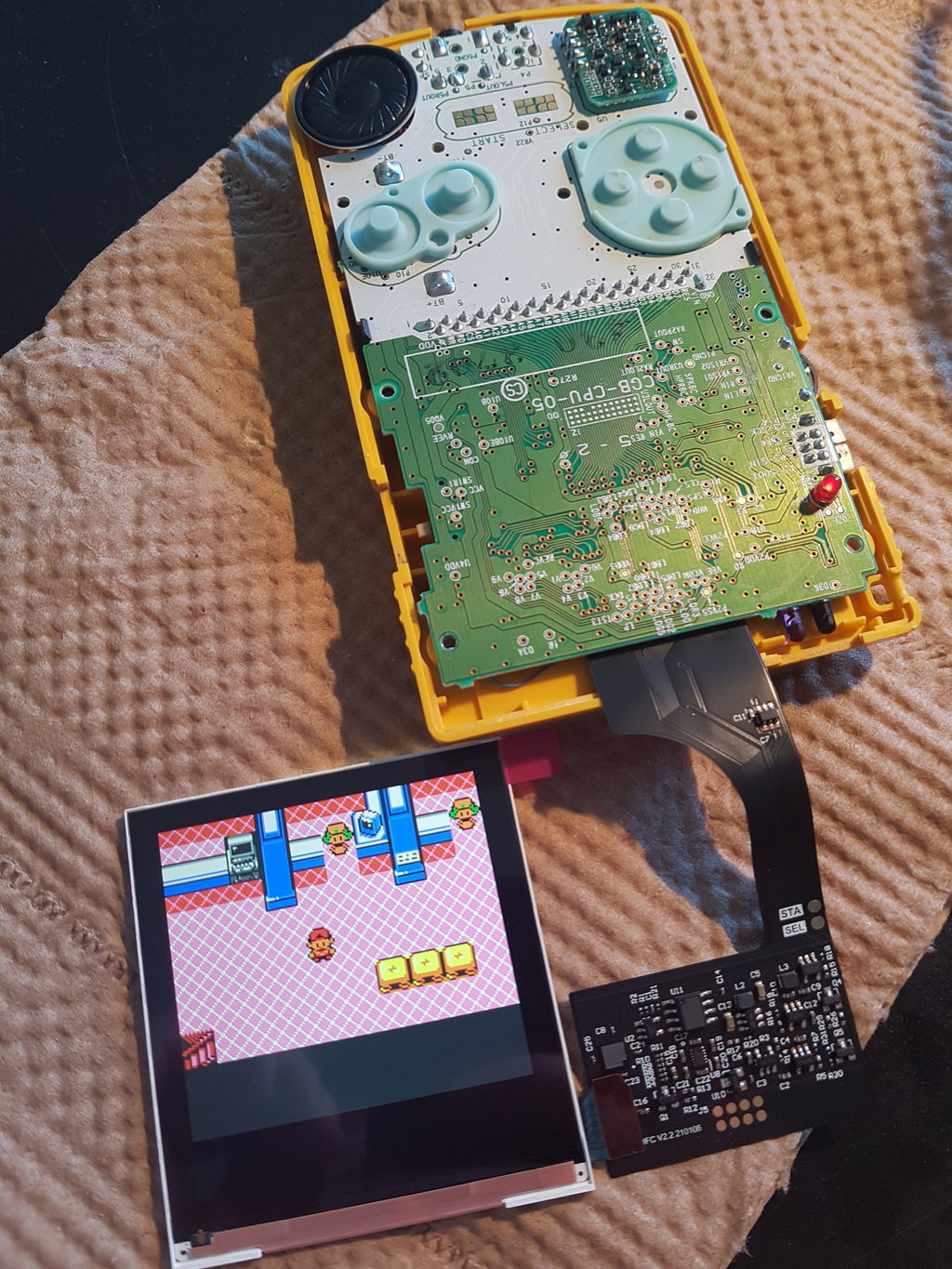
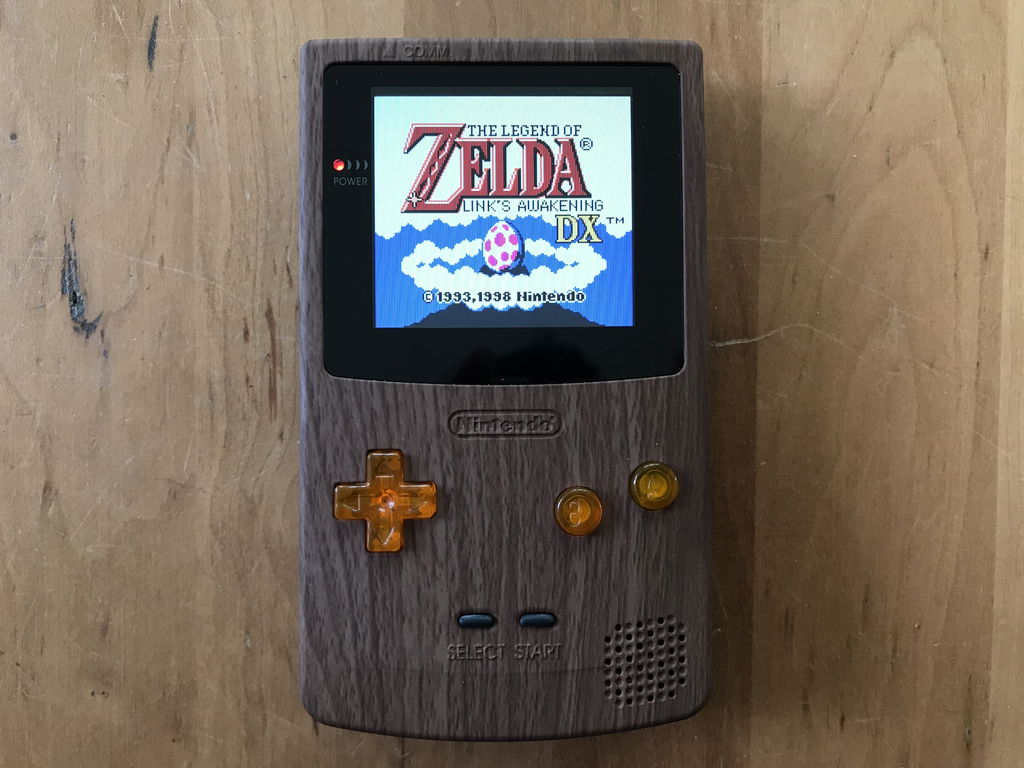
The Retro Pixel IPS arrives on the Game Boy Color! Featuring a slightly larger LCD (Q5), touch brightness control, and a variety of display effects, this kit from Funnyplaying contains everything you need to have your console up and running with a new display in no time. 

Please read the product description carefully and in its entirety before purchasing. 


Features


  • Crisp, vibrant display
  • Fast refresh rate with no blur
  • 25% larger than the stock LCD
  • Multi-level touch brightness control
  • 5 display modes (default/none, vertical scanlines (standard, dark, or thick), and retro pixel grid)

Included


  • 1x IPS LCD
  • 1x Ribbon cable
  • 1x Double-sided installation tape
  • 1x Glass screen lens (no logo)
  • 1x Touch sensor (extra)
  • 2x 120mm wire (Start & Select)
  • 1x 50mm wire (Power)
  • 1x Centering bracket (basic acrylic)

Documentation

The functionality of the Ribbon is as follows:

  • A short tap of the touch sensor will cycle through 7 brightness levels
  • A long hold of the touch sensor will cycle through retro pixel effects
  • A long hold of start + select will enter function mode; holding start + select again will exit function mode.
    Be aware, although you may be unable to see the lit words "game boy logo" beneath your lens, the function mode still works as follows...
  • While in function mode:
    • Tapping the touch sensor will cycle through different words in the GBC logo
    • With "game" selected, start and select will move the display up and down
    • With "boy" selected, start and select will move the display left and right
    • With "color" selected, start and select will cycle through color options for the GBC logo


    Notes


    • Some soldering is required, install as shown here
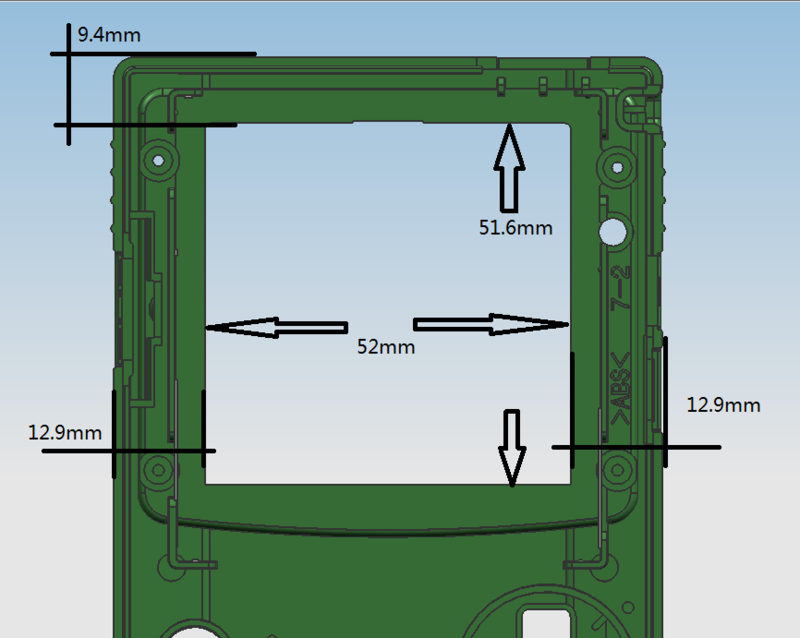
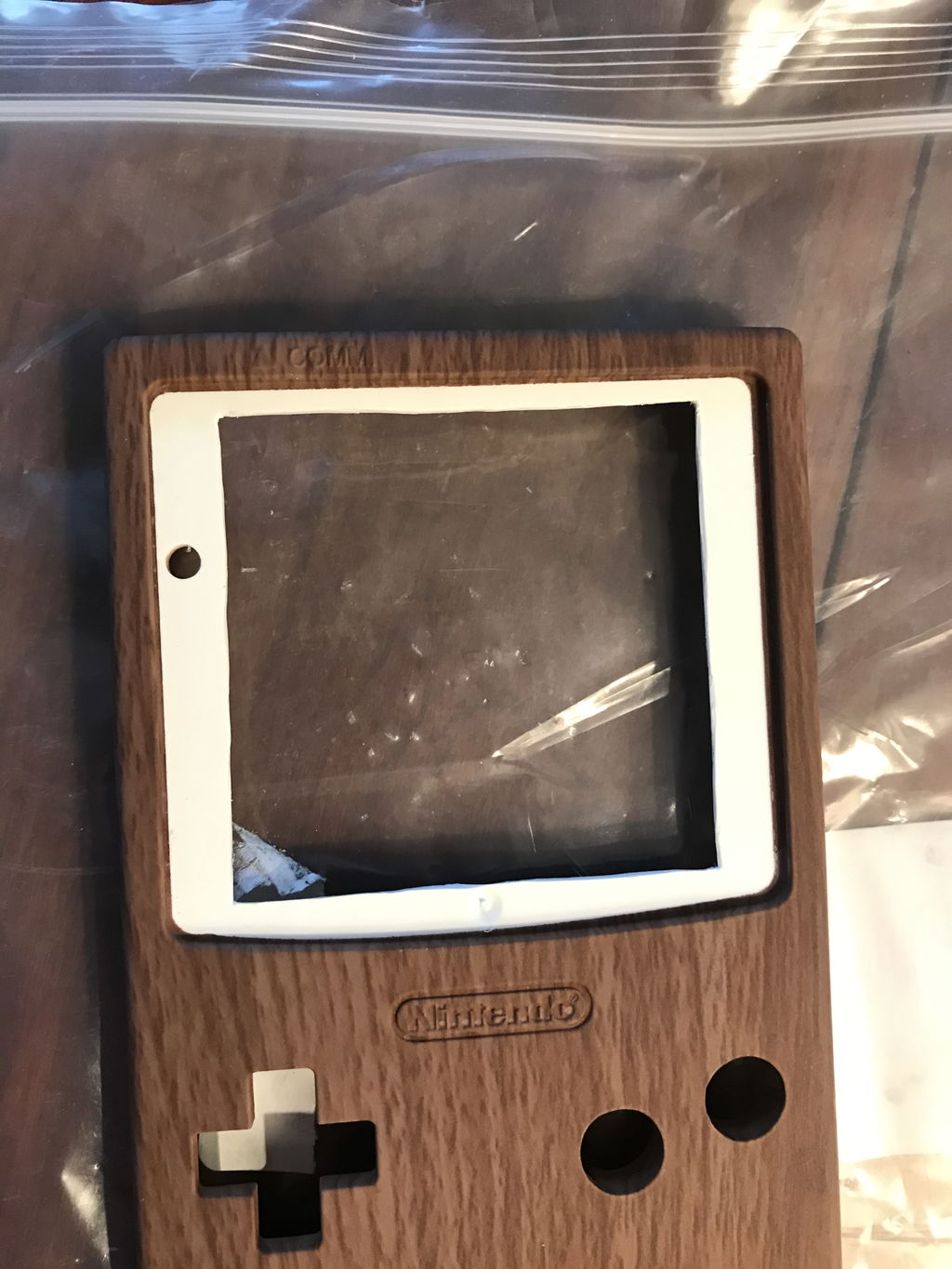
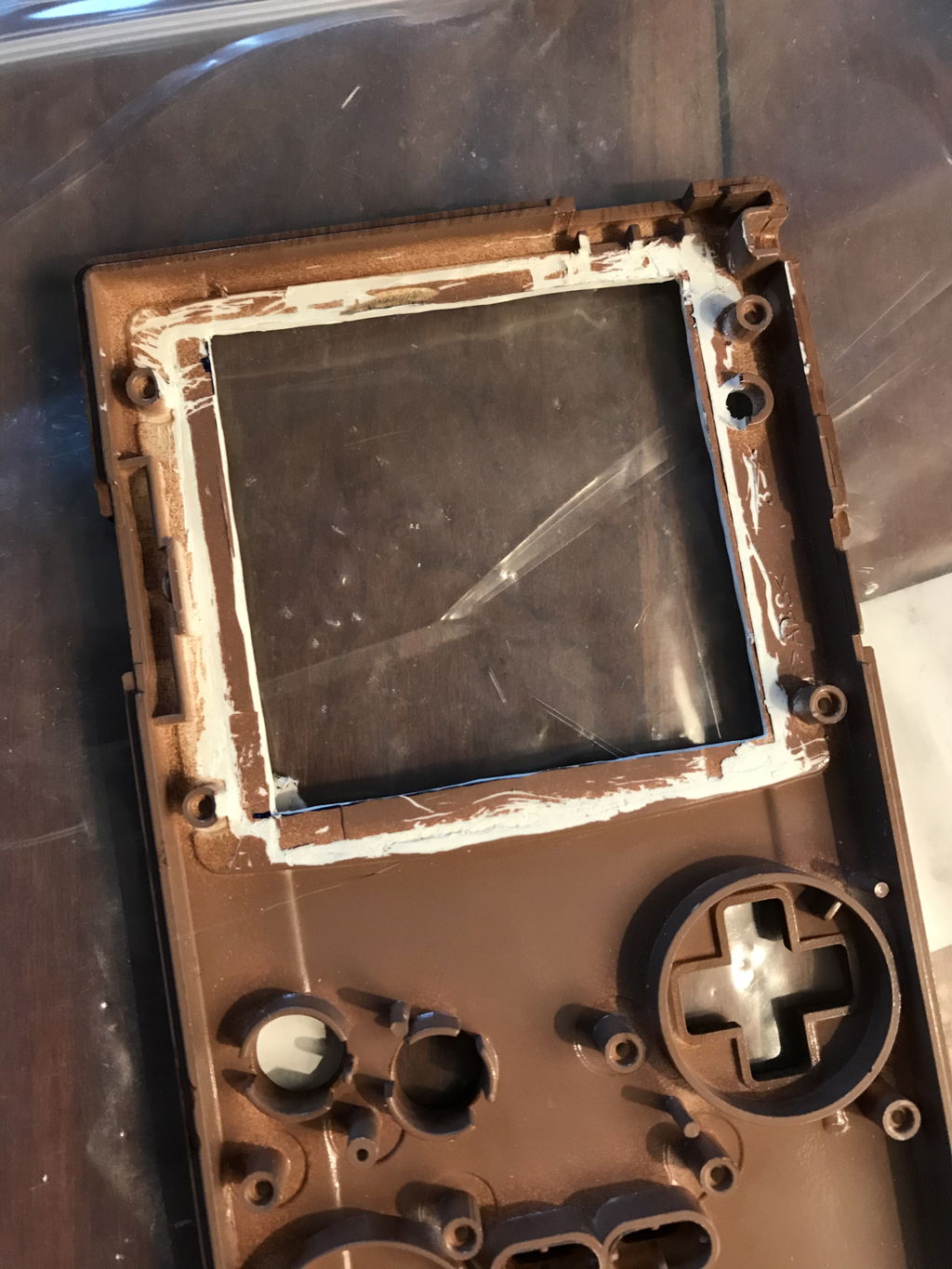
    • Some shell trimming is required to accommodate the larger LCD. A trim guide can be purchased here.
    • This screen kit includes a basic bracket. Although you can add a new 3-piece bracket we've developed for this screen kit.


    Warning

    • We strongly recommend testing the display before installing it in your console. Please follow our Display Testing Guide to confirm the kit is working before the adhesive is secured, the display protection sheet removed, or any non-critical soldering to the ribbon or driver PCB. We are unable to accept returns or replacements on kits that have been installed in a console. Individual replacement parts may be available in the "Included" section above.
    • The ribbon is very fragile, be sure to handle it carefully to avoid damage.
    • Too much pressure can permanently damage the display, do not force the shell closed around the LCD. Ensure the shell is properly trimmed for the display before attempting to install it.
    • 5 stars: 21 (72%)
    • 4 stars: 4 (14%)
    • 3 stars: 2 (7%)
    • 2 stars: 0 (0%)
    • 1 star: 2 (7%)
    a
    anarchy softworks
    Amazing screen

    I am really happy about this. Install is easy enough if you take your time with it. I can finally play my oldschool gameboy at night :)

    N
    Niklas
    Love it!

    Shipping to Germany was fast. Tested the kit before installing and everything worked like a charme.

    This was my first mod and for my the install was pretty easy to do, just a little soldering and cutting. There is no tutorial for this installation on this site anymore, so you have to look it up on youtube. The shell cutting part was the most annoying - in retroperspect i should have used my dremel for that and the guide you can buy here.

    Before putting the shell together you should put some electrical tape over your cartridgeholder pins otherwise your screen will flicker. Also tape down those wires you just soldered or you will screw into them when putting the shell together and short your GBC - I was dumb and did exactly that what killed the F1-Fuse on my GBC.

    I figured out my mistake, replaced the fuse and now it still works perfectly after 40+ hours of playtime.

    F
    FunkyAlbatross
    Love this mod!

    This mod is pretty easy to do even if you have minimal soldering experience like me. Especially since everything you need for the screen is provided if you order from retro modding. The only downside is the screen lens that you get from Retro Modding doesn’t have the GBC logo so if you want a screen lens with the logo you’ll have to order the lens separately from somewhere else.
    The payoff is well worth it - definitely a lot of fun to do as well!

    B
    Bradley Smith
    Great looking screen, make sure you have new capacitors!

    I used the images from Retro game repair shop for reference to trim the shell and solder wires. I really want to stress that you should replace at the very least the large capacitor on your GBC when doing this mod. I tried installing this screen with two GBC motherboards and both started out looking great (including testing outside the shell before installation) and after a few minutes of play the screen started to have issues and eventually stopped working properly. See my Reddit post here for details and videos of what the issue looks like: https://www.reddit.com/r/Gameboy/comments/mr5pbg/need_help_troubleshooting_this_retropixel_q5_lcd/?utm_source=share&utm_medium=ios_app&utm_name=iossmf

    I also highly recommend cleaning all connections and solder points really well with Isopropyl alcohol including the ribbon cable connections, especially if you are soldering and desoldering as much as I was trying to problem solve.

    Retromodding was very quick to respond to my emails and offer suggestions and they were great to not just outright say it was my fault which I can imagine would be really hard when you are dealing with people of all skill levels in modding. Thanks again for you help and patience!

    As far as the screen goes. It looks wonderful, I love having a larger display on my GBC, especially to play original GB and GBC games vs on a GBA where they display the quite a bit smaller. I really like the pixel grid effects and I wasn’t as huge of a fan of them on the DMG retropixel so that is very interesting. Definitely offsets the starkness of the straight IPS type display which I think is nice to have when it’s full color. The touch sensor and start select work but seem a bit random to me but I’m learning and it seems to function just fine. I think it’s just not a straight forward like the contrast toggle wheel on the DMG retropixel. One thing that is bugging me is there is a tiny strip of adhesive at the top edge of the screen that is visible even with the lens on. I even centered it vertically and horizontally as carefully as I could before installing. At some point I’ll buy another lens, pry this one off and carefully trim it out.

    D
    Danny L
    This screen is amazing!

    So this screen is amazing. It will drain your battery more. I did have a hard time finding an installation guide, I guess these screens are newer. I ended up following this youtube video: https://www.youtube.com/watch?v=H5-sYNd3Cas

    C
    Carlos E Santos
    Excellent

    Very challenging build but the kit is well done. I saw some complains that the IPS was very fragile but I did not have any issues with it or the ribbon cables. For my next build I am just buying the case too because I could not align the screen with the OEM case also I broke my power switch trying to solder. But very fun built and the screen looks good.

    J
    Jeffrey

    Great Product! Screen presents a clean image. A huge upgrade over the original screen. Arrived with any issues, I’m sure it’s due to the careful packaging that RetroModding put it in. Happy customer here!

    W
    William Jones
    Great ips

    Came with brackets for easy installation

    J
    Jeffrey Beck
    Bad customer service

    After no contact, I messaged you guys asking when my order will be shipped out. They said it usually takes 5 business days. After about 7 I asked when my order will be shipped, they said they emailed me two days before I even placed my order saying there’s a delay. I never got such an email and especially not before I even placed the order. Then I get the runaround ‘unforeseen circumstances’ blah blah no transparency blah blah. After a month, my order finally shipped.

    S
    Sebastien Robert

    Great

    B
    Benjamin Rosa
    Awsome Display

    The display was beatifull, but since i couldnt acquire a ips case compatible on the store, i bought another gbc case and try to modifiy it to put the display. Was not as carefull with it and broke it. Gonna purchase another display again without the fullkit and hopefully get an ips case compatible the next time.

    J
    Jer
    Ips

    Good

    K
    Kyle Mattila
    Great looking screen!

    Bought this for my first mod. I messed some things up but in the end got it all working and it looks amazing.

    D
    David G
    Just What I Was Looking For

    It was a fairly simple install (granted, I didn't use my original shell), and just what I needed to breathe new life into my GBC.

    Z
    Zach Tavares
    Looks Good

    The touch sensor is tough to get right.

    H
    Hector
    The ribbon is not that good

    The touch sensor for the ribbon is not very sensitive, tried a bunch of placementd and it's really hard for it to pick up. At some point it stopped working and ended up with unusable product. Not sure if it was caused by my poor handling of the product but it should be more reliable. Great costumer service tho

    J
    Jacob Iverson

    Game Boy Color Retro Pixel IPS LCD

    j
    joel persson
    mint

    10/10 and pretty easy install

    M
    Max
    Best display for that retro experience

    This is in my opinion the best display to experience all the old games in pixel look

    G
    Georgi Krastev
    Totally worth it

    Replacing the original GameBoy Color screen with the Retro Pixel IPS brings this console to a new life. The screen quality is excellent! Bright image with great colors.
    All the available display options let you choose the most suitable for your taste, mimicking different displays.
    Even though the assembly instructions are out of date, the latest version of the screen size is different, which requires different cutting/trimming of the case. Also, the "flush cut" of the cartridge lost pins on the board behind the screen is not necessary, as there is enough clearance only a masking/kapton tape to protect for shorts will do.

    D
    Dirk
    Great Product

    Great product but the directions for installation were not posted correctly on the website. Customer service was very supportive and installation overall was quite easy.

    M
    Mike Foy
    Great product, bad instructions.

    I managed to get this installed into my Gameboy after a good few hours of scouring to figure out how to trim the OEM shell to fit the new IPS screen. In the end the 3D printed alignment guides helped in knowing how far back everything needed to be trimmed in order to fit everything inside, but it would have been much more helpful to have a written or video tutorial with still images of how to trim things to fit inside.
    Other than that the kit is great. I also installed one of the button LED kits and it all soldered together without much issue and it looks great once assembled.

    T
    Thomaz de Oliveira dos Reis
    It great! But a lot of work to get it done.

    It's really long process for do all the trimming in this shell. Hope we get a pre-trimmed shell for this mod in the future.

    c
    clebbington
    Great screen, mediocre brightness controls

    Mod wasn't too difficult, and the screen is wonderful- great viewing angles, incredibly crisp, and no tearing or pixel scaling issues. Only thing I dislike about it is how finicky and unreliable the touch sensor for brightness controls is. I think it would have been better mapped to buttons like the screen filters are.

    B
    Bradley Nowell
    Didn’t work

    Plugged the ribbon and lcd into an open gameboy (did not fully install) to test operability. No output on the LCD so I’m unsure if the ribbon or the screen is defective. Will have to order a new kit to isolate the issue

    Hi Bradley,

    Thank you for this review.

    Would you mind sending us an email at support@retromodding.com? We would like to look into this issue with you. It sounds like you might not have soldered the power wire.

    Never hesitate to contact us for any concerns or questions.

    The RM Team