Skip to content

Country

Backlit TFT LCD for Game Boy Color

Original price $49.99 - Original price $49.99
Original price
$49.99
$49.99 - $49.99
Current price $49.99

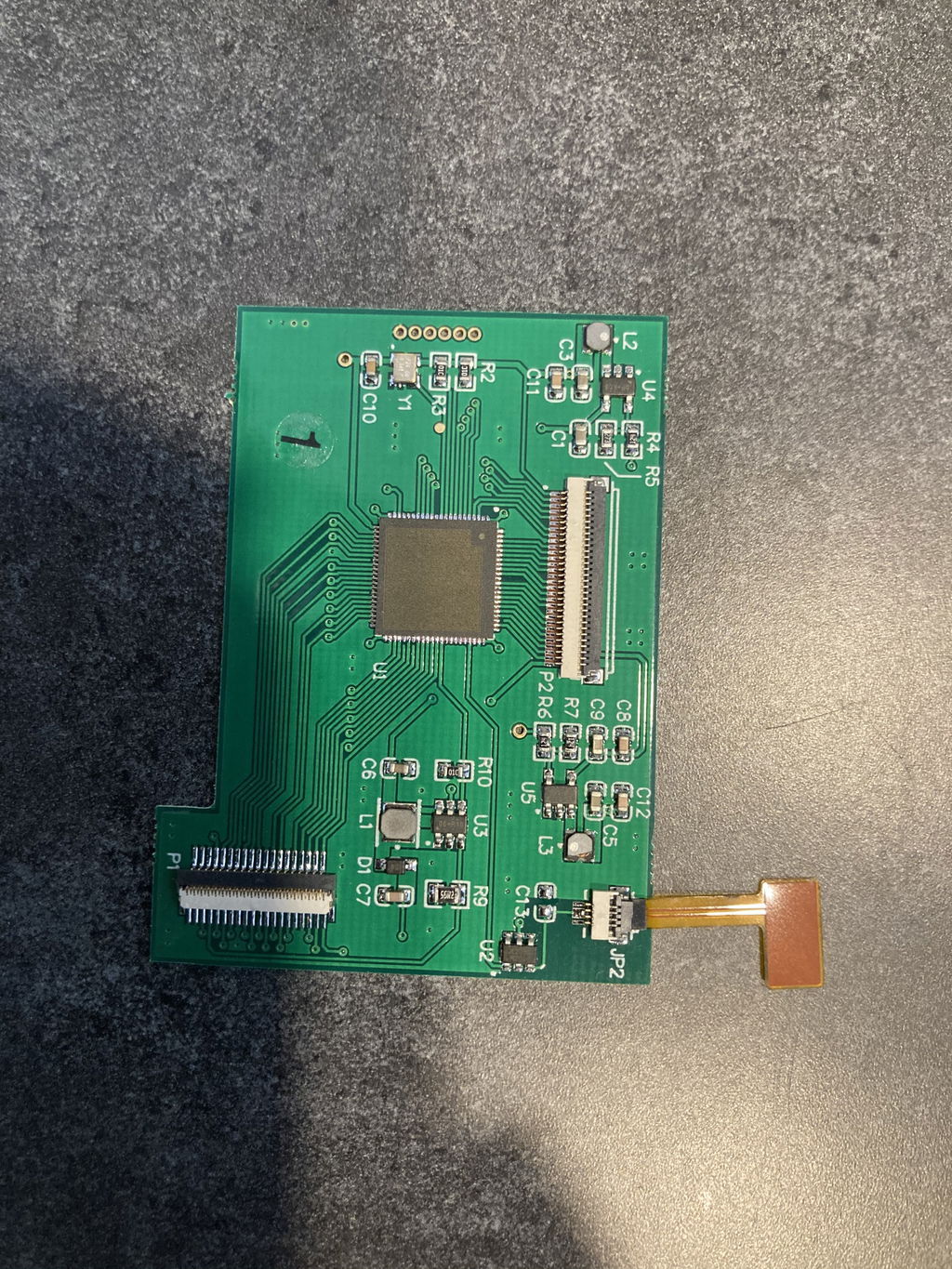
Backlight your Game Boy Color with this trim-free, solder-free LCD solution. It's never been easier to enjoy your favorite GBC games on a beautiful backlit screen.

For a polished aesthetic, pair this kit with one of our custom Game Boy Color glass screen lenses.

Features

  • Completely trim-free solution
  • True drop-in solution—no soldering necessary
  • Bright, backlit LCD
  • 5-level brightness adjustment with touch-control
  • Effective power management for battery longevity
  • Preserves the GBC's aspect ratio

    Included

    • 1 x Game Boy Color backlit LCD
    • 1 x Ribbon cable
    • 1 x PCB
    • 1 x 3D-printed bracket

    Notes

    • This product has a slightly smaller viewing area than the original GBC screen. Custom glass lenses sized for the smaller viewing area are available in black and white
    • Center the LCD using double-sided tape
    • We recommend placing the touch controller at the top of the console, opposite to the infrared sensor

    Warning

    • We strongly recommend testing the display before installing it in your console. Please follow our Display Testing Guide to confirm the kit is working before the adhesive is secured, the display protection sheet removed, or any non-critical soldering to the ribbon or driver PCB. We are unable to accept returns or replacements on kits that have been installed in a console. Individual replacement parts may be available in the "Included" section above.
    • The ribbon is very fragile, be sure to handle it carefully to avoid damage.
    • Too much pressure can permanently damage the display, do not force the shell closed around the LCD. Ensure the shell is properly trimmed for the display before attempting to install it.
    • 5 stars: 19 (68%)
    • 4 stars: 4 (14%)
    • 3 stars: 4 (14%)
    • 2 stars: 1 (4%)
    • 1 star: 0 (0%)
    O
    Opossum
    Give your gbc the extra love it deserves

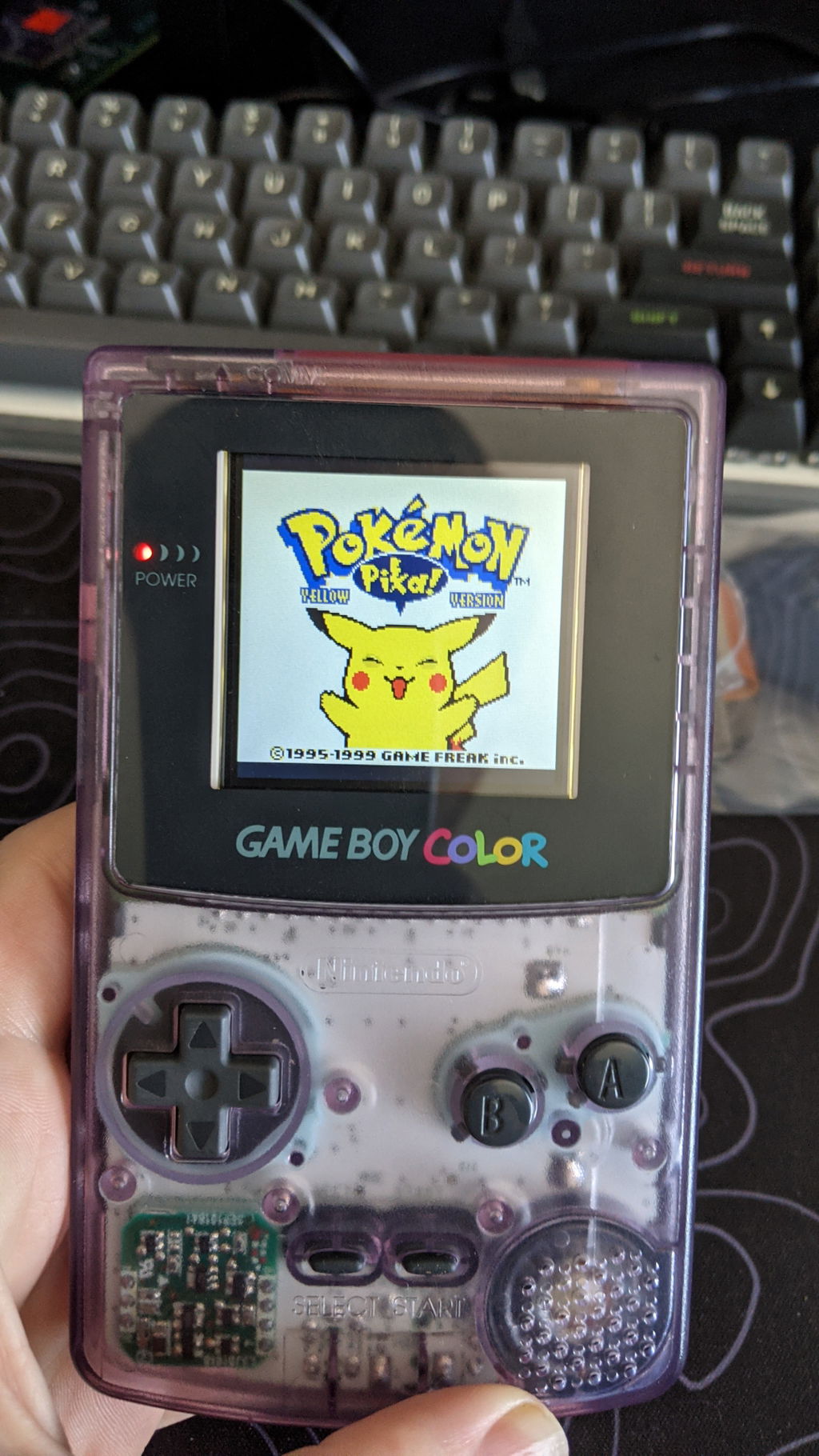
    Ordered the drop-in backlit screen for a gameboy color, and it really was super simple to install. I don't mind a little light bleed around the edges, so I opted to keep the original lens intact, too. The color is such an awesome system, but that dark screen really does hold it back, the mod makes it feel modern while still respecting the original hardware !

    J
    Jacob Lyons
    Check EVERYTHING before installation!

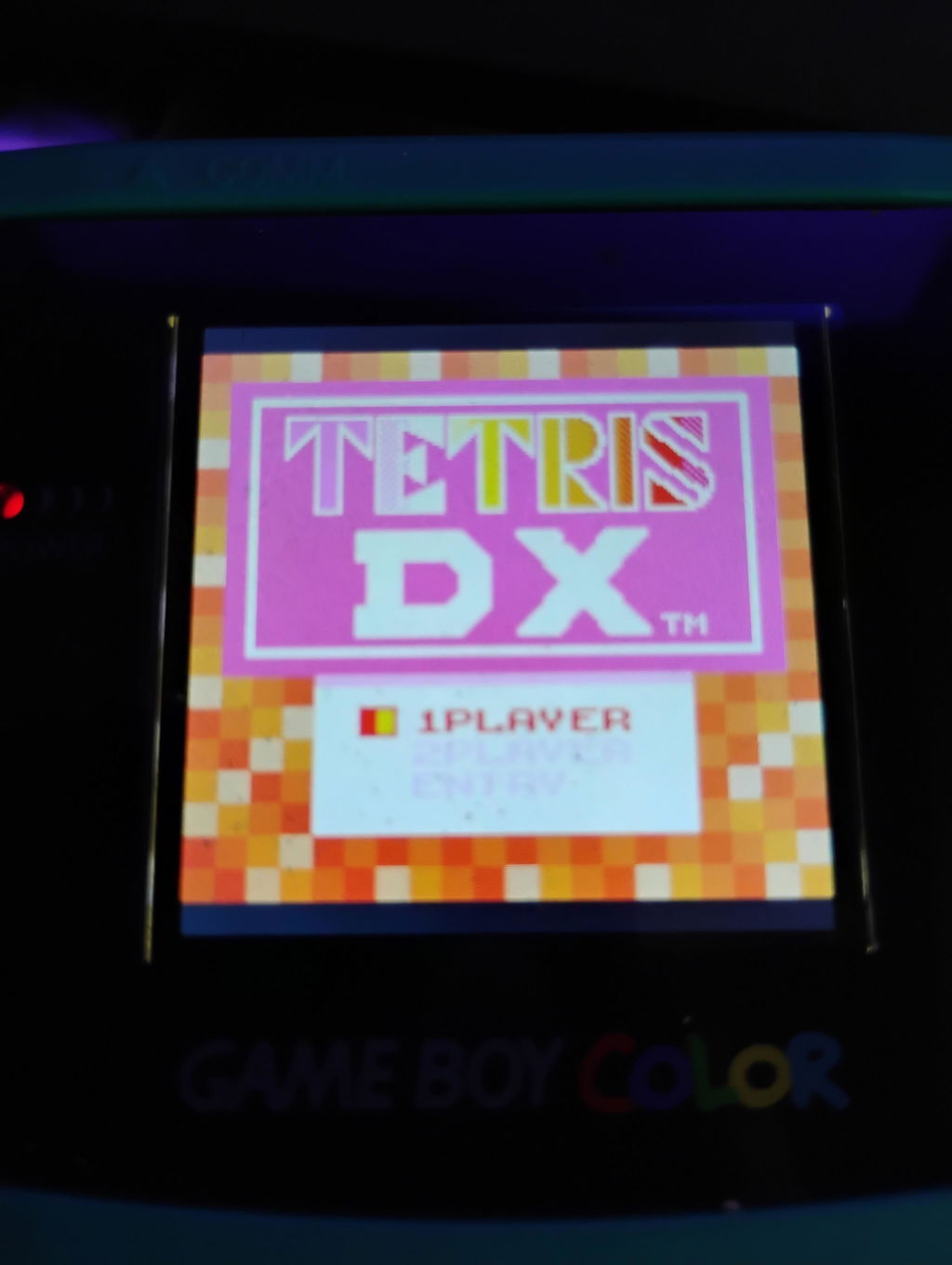
    Mine has a defective motherboard or ribbon cable and only displays things in shades of red, blue, purple, and orange - no green, and no true black. Games with a black background now have a blood red background and are mostly unplayable. Works fine for Tetris DX if you like every block in shades of red and orange.
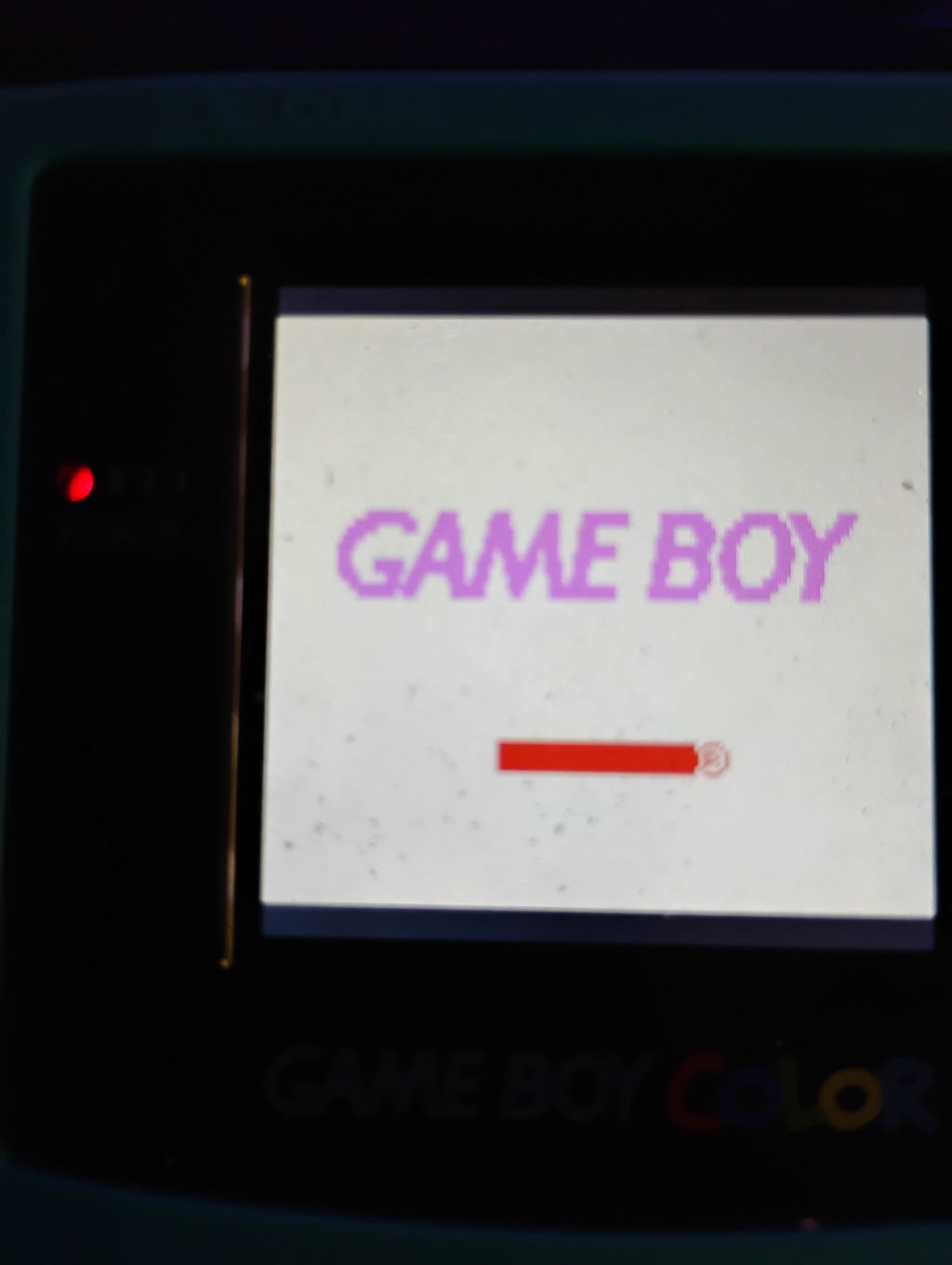
    I "tested" it as they recommend, and the screen looked sharp but...why is the Game Boy logo purple? It should be blue. Went ahead and installed it because I assumed there was a color adjustment setting like other kits I have seen. There is not. Now it has been installed and I can't return it.

    B
    Brian Moore
    Good budget modern screen

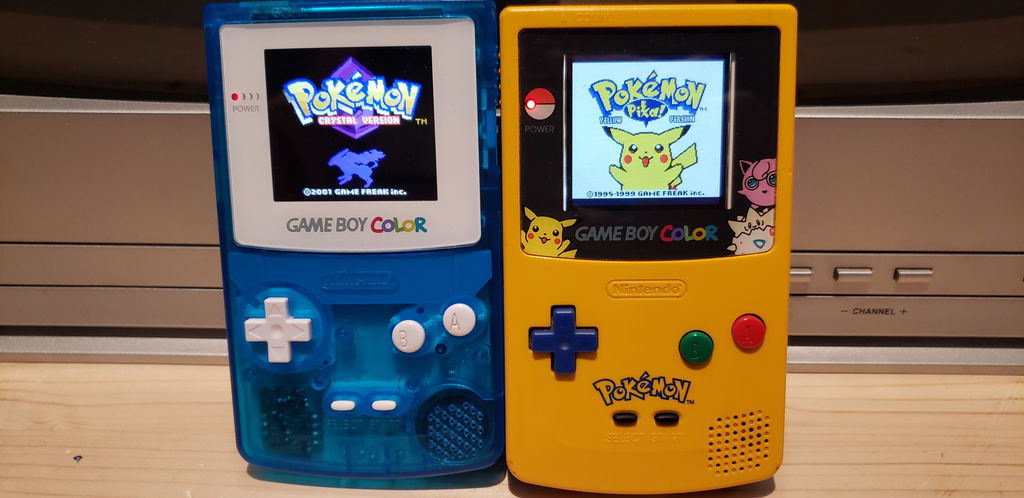
    This screen brightens up any GBC you put it in. Compared to an IPS it's not as bright nor is it as big, but it's also a lot cheaper and easier to install as it's a true drop in upgrade. The only slight dissatisfaction is that mine came with a clear instead of black bracket which causes some light bleed on the sides.

    IPS left vs TFT right in image

    R
    RAMChYLD
    Instruction not provided, but managed to get it installed.

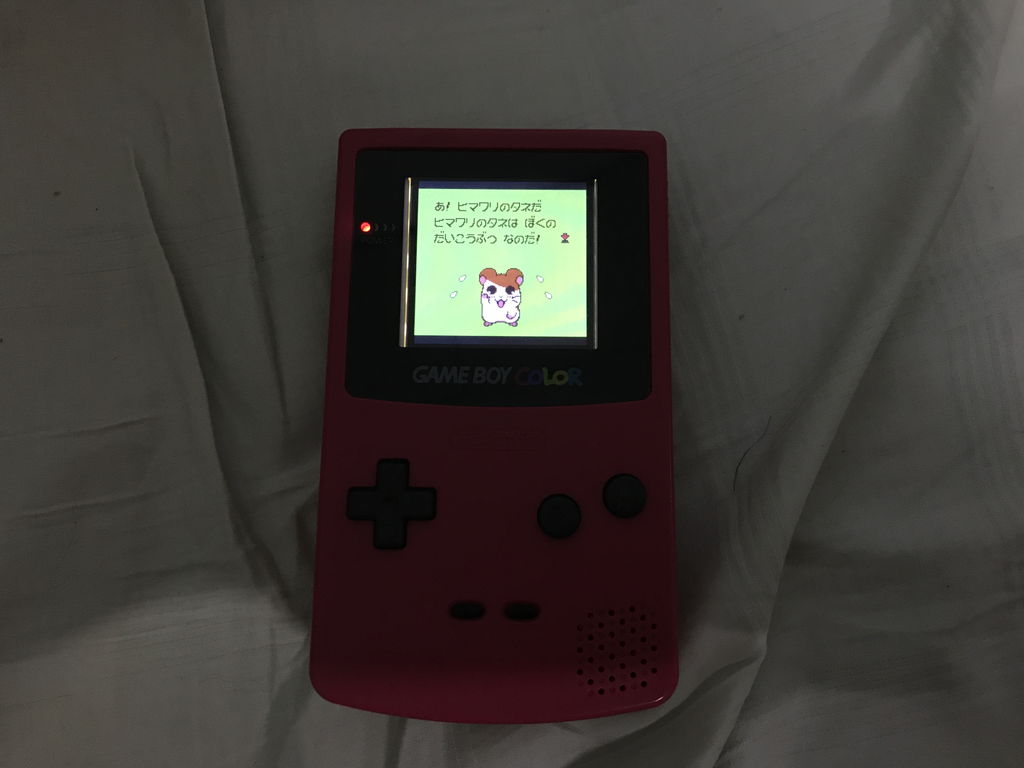
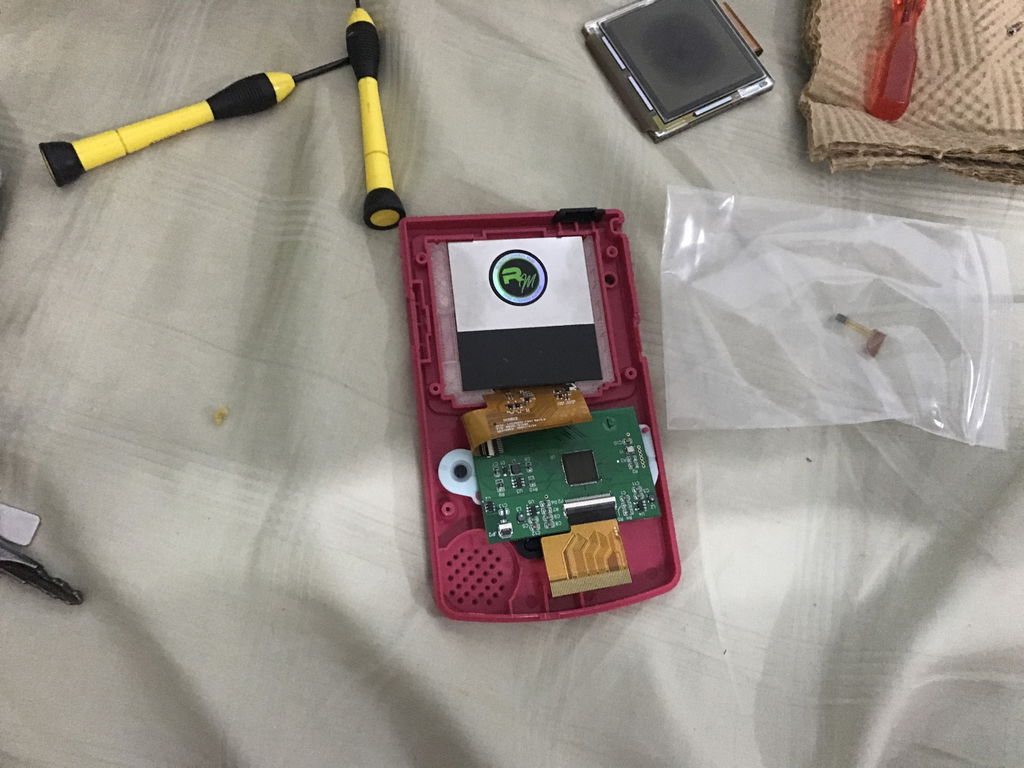
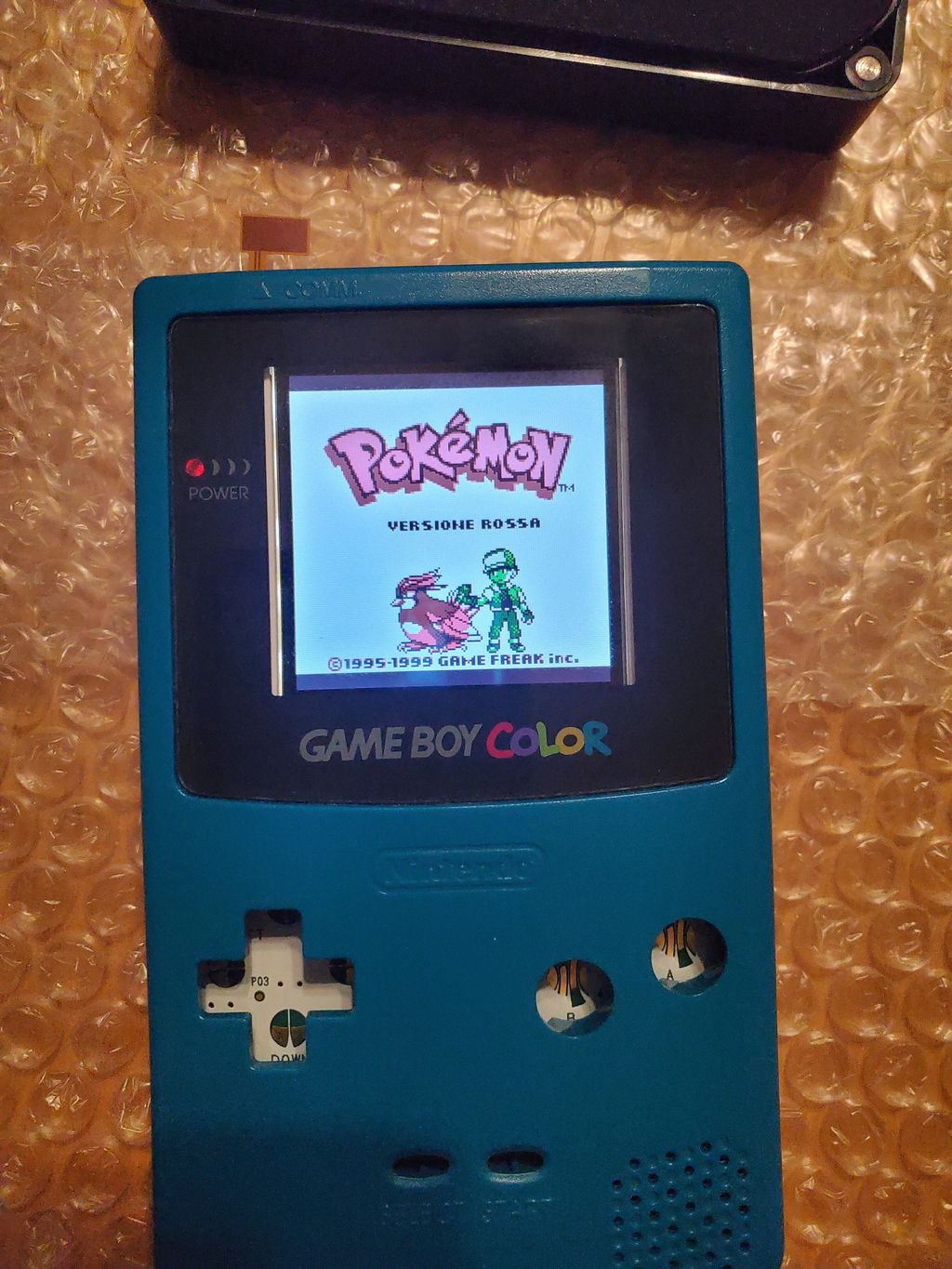
    Bought this to replace the stock LCD on my GBC which has somehow suffered terrible screen burn. The biggest hurdle is that instructions were not provided with the kit. I had to use my imagination on what the piece of clear plastic adhesive is for (stuck it to the back side of the GBC's PCB so it won't make contact with the LCD's control board and short out), how to install the 3D-printed shim, and work out how to bend and fold the LCD boards' ribbon cables to sit flush in the case. As seen in included picture I eventually have it working, and it does work great. Didn't mind the smaller viewing area, and very happy that I didn't need to bring a dremel or cutters to my beloved GBC's case. Just wish at least a small instruction sheet explaining what some of the parts included was for.

    I did not install the brightness touch sensor - on the revision sent to me, it's optional.

    I
    I.K.
    Simple Install

    This kit was pretty simple to install. There were a few minor problems I had with it:

    1. It would be nice if there were install instructions on this site. Most videos are for slightly different models. Even though its not hard to figure it out, it would be nice if there was an official guide here.

    2. Like others mentioned, the touch light sensor is on the wrong side. I have an Atomic Purple case so it still works through the transparent plastic, idk if it would work through an opaque case.

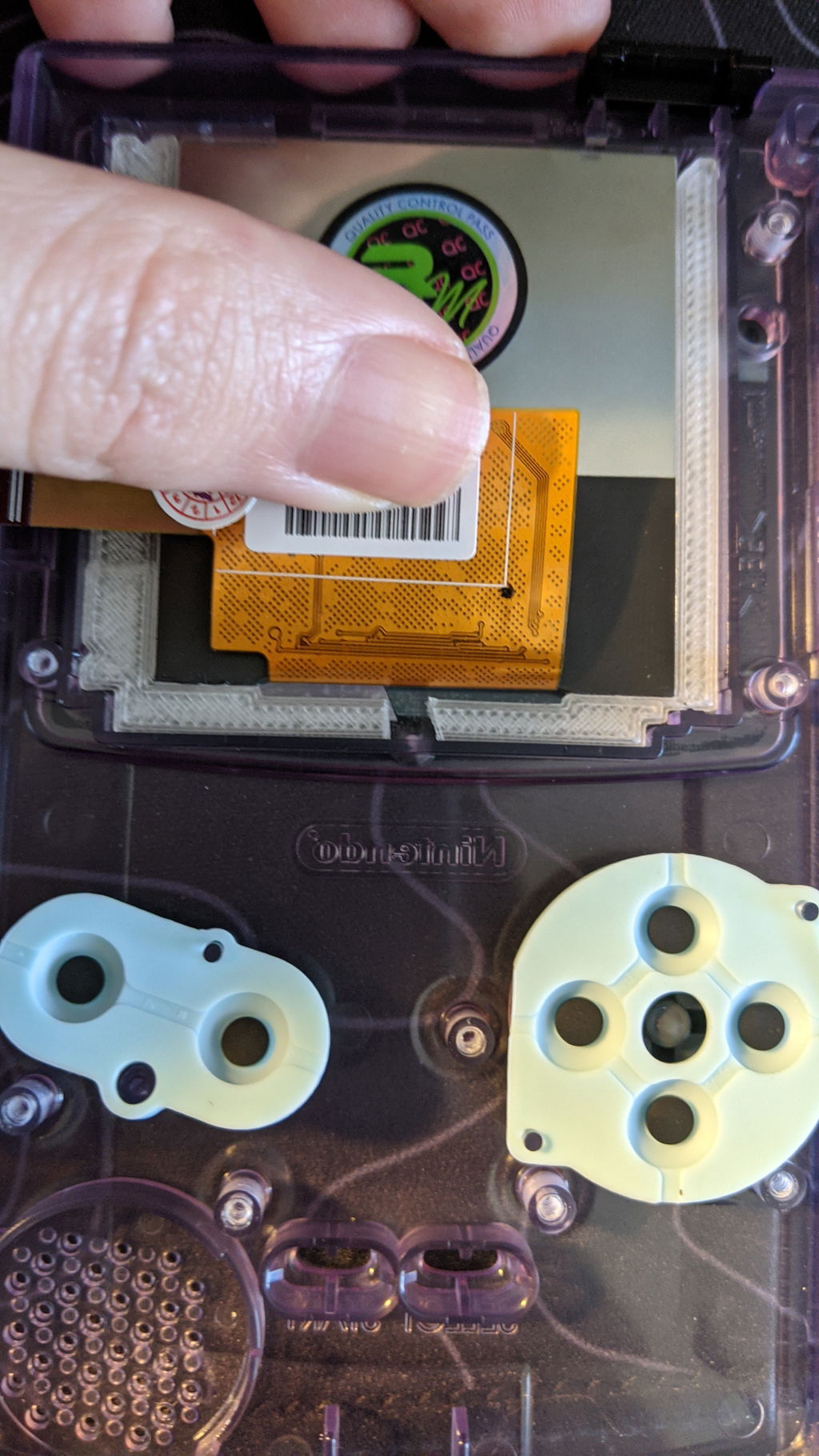
    3. The 3D printed bracket is very nice for simple placement. However, I had to make a modification to the bracket. It would not fit in my OEM atomic purple case: at the bottom there's a small bump so I had to cut a gap in the bracket in order for it to fit. (Attached a photo)

    Otherwise it was a simple install and works great so far. These are minor inconveniences so still giving 5/5.

    Hi Ian,

    Thank you for this complete review!

    We are aware that we need to update quite a few tutorials for a few products. We are working on this.

    For the sensor on the other side, it will indeed work with opaque shells too! We actually prefer this position for the sensor as it lets you keep the IR sensor!

    Thank you again for this great review!

    The RM Team

    M
    Mike
    Great screen, brightness touch sensor is on wrong side

    I’m giving this screen 5 stars for two reasons: it’s been fantastic for playing, and the brightness touch sensor being on the “wrong side” is beneficial for my build.

    It was a breeze to install. The bracket for centering was perfect. The tape that comes with it will insulate the screen and prevent the metal backing from touching the chip. I did not cut it down at all, since the overhang allowed the screen and bracket to be taped together. The fit was already snug, but it definitely won’t move now.

    Since the brightness touch sensor is opposite the IR port, you don’t lose IR functionality. That’s a plus for me, though I admittedly rarely use the IR port anyway.

    Instead, I just cut a small slit on the top of my Gameboy and placed the sensor below it. Works perfectly and is hardly noticeable.

    Overall, definitely worth it. I do think instructions would’ve been helpful, but there are plenty of resources to figure this out.

    A
    Alex Shreffler
    Good Functionality, Bad Kit

    The pros:
    - the LCD functions beautifully, and looks amazing. No issues at all with the overall look and function of the screen itself. Install was a cinch, too.
    - it comes with a plastic spacer that perfectly centers the screen. Really nice touch, as most other kits require you to cut foam bumpers and stick them to the plastic screen with adhesive...this removed all that guesswork and saves you about 15 minutes to boot. Without the matching TFT glass there is some white space on the sides of the screen due to its smaller size, but it's really not an issue if you don't want to spend the extra money up front.

    The cons:
    - as others have mentioned, the IR sensor for the brightness adjustment is on the wrong side. I thought I could install it backwards to get the sensor tab to line up with the IR spot at the top, but then the ribbon cable port is on the wrong side so that's not an option. I ended up installing it the correct way, and putting the IR ribbon (it adjusts brightness) under the opposite side of the shell. When you tap the Gameboy lightly it still adjusts brightness, so at least the functionality isn't totally lost...but why would you sell a kit that has a backwards IR sensor when it affects a key functionality of the screen? Makes no sense.
    - there was one random piece of clear film included for...something. Since there are no installation instructions for this exact kit on the website (again...really? It's one of the most popular GBC mods and you don't have a tutorial for your own kit?), I had to watch other TFT installs on YouTube. Most of those other kits included pre-cut pieces of film to insulate the back of the LCD and the board piece as well, but instead this one just comes with a way-too-large piece to fit any of them. I ended up cutting it down and using it on the back of the LCD and stuck the little bits and pieces leftover to the board. Annoying and not really practical.

    Overall I wouldn't recommend this kit to my friends. These are easy to find from a million other sources and while it works great, the IR sensor being backwards is a dealbreaker that the pro's in this specific kit didn't outweigh.

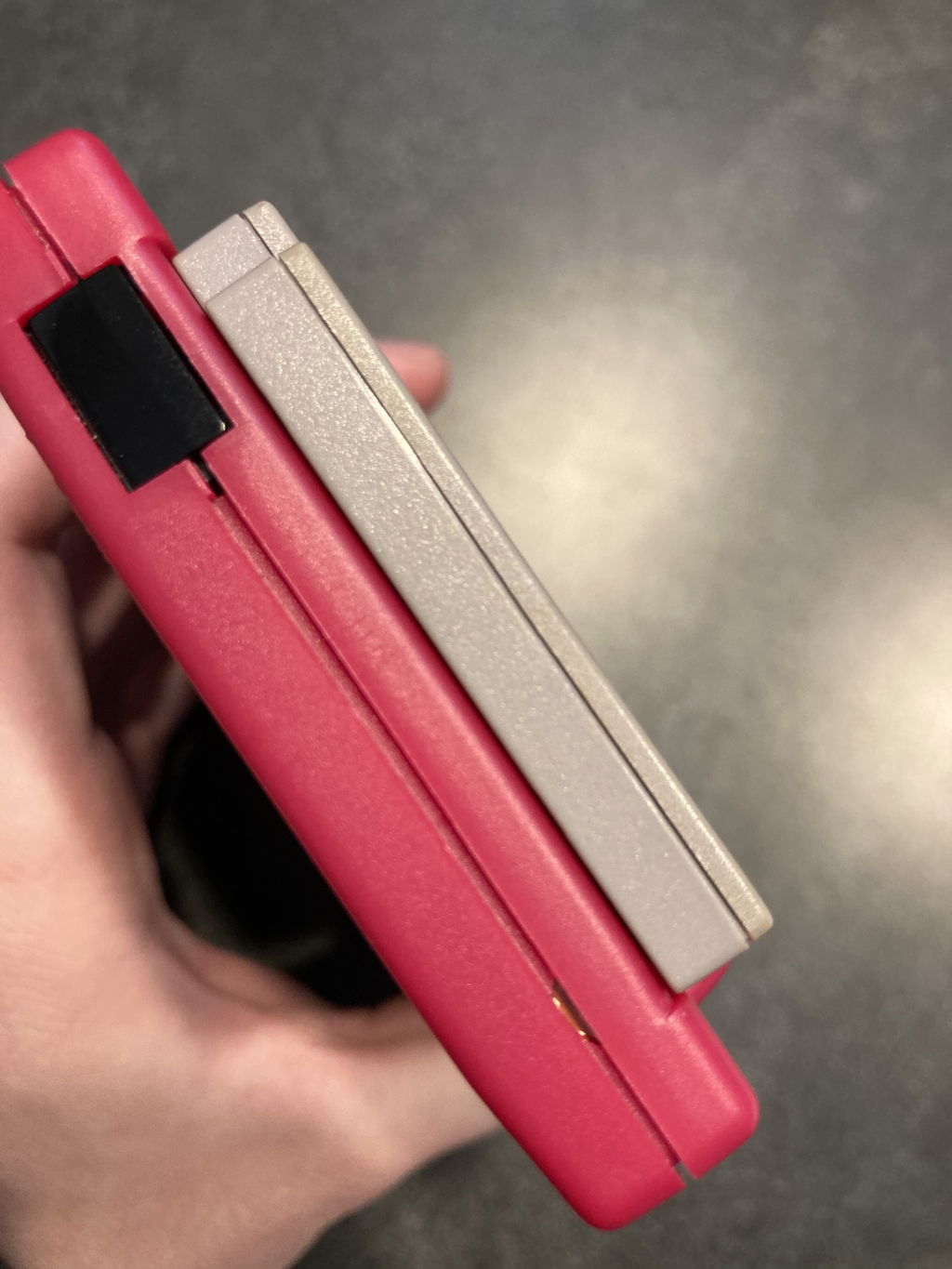
    (Picture included of backwards sensor)

    Hi Alex,

    Thank you for detailed review.

    We understand the brightness sensor position can be confusing, but we are having a hard time understanding how it's not properly working. Maybe you received a defective sensor, but this sensor should work without any problems on the other side of the shell. We are little bit confused as your review says it does control brightness, but you also say a key functionality is affected? In which way is it affected here?

    Once again, while we understand it might be confusing to simply receive a bigger piece of insulating film, we prefer doing this to sending super precise measurement that don't give our customers room for mistakes or personal choice.

    As for the instructions, we understand it would be really useful, but unfortunately, our modding team is putting all their effort into making tutorials for the newer and even more popular screen like the IPS ones from Funny Playing and other kits. We unfortunately don't have the resources to provide guides for every mod we well, therefore we concentrate on the most popular mods when we make new guides.

    I understand that for you the sensor position, even if it's working 100% properly, is a dealbreaker. Unfortunately, there is not much we can do regarding this, as the kids are manufactured this way.

    Once again, thank you for this clear and complete review!

    The RM Team

    C
    Cristian Ribeiro
    One major issue!

    Screen works perfectly fine, but there is one big issue here that I'm genuinely unhappy about, the touch sensor is on the wrong side. If this wasn't a problem I would rate the system 5 stars, but since I can't adjust my brightness I'll have to give it a 2 star.

    R
    Richard Bodnar Jr
    Great GBC upgrade

    Very nicely packaged upgrade for my gameboy color. Works great and even brighter than a similar upgrade on a different gameboy I own

    A
    Aidan

    Wonderful replacement of a replacement lol. I initially had one from another seller, it lasted about a year or so then randomly started producing dead pixels as a played it. It got to the point of it becoming completely nonfunctioning. You guys saved the day lol

    T
    Tom Price
    A solid, basic and affordable backlighting mod for the GBC.

    This is great if you just want your old GBC backlit without any other fancy bells and whistles. The screen is slightly smaller than the original, but it's still worth it for a backlit screen IMO. Simple to install. No soldering or shell trimming is a big plus.

    J
    John

    This was exactly what I needed for my Japanese exclusive gameboy! It’s slightly larger than some of the other TFT screens on the market.

    P
    Pastor Julian Gonzalez Jr

    Perfect , better than I imagined

    D
    Daniel Newton
    Great little screen

    Works great and install was easy.
    Light adjustment sensor works fine on a solid purple gbc.

    J
    Jake Conner

    Fantastic. Makes playing the old games of my childhood bearable.

    D
    Daniel Newton
    Great screen, easy install

    Great little screen, and easy to install. As the description says, no soldering or modding required.

    The touch sensor to control the brightness seems to work on my solid purple GBC even though it’s not on the IR sensor side. It’s nice because I didn’t have to remove or cover the IR sensor.

    The only problem was that I was initially sent the wrong screen kit so I was unable to install the first screen I was sent. But after emailing customer service they sent me a label to send it back and sent me the correct screen kit shortly after. Not ideal that I was sent the wrong screen at first, but the process to return it and get the correct one was very smooth.

    T
    Tomas Gonzalez
    Good visibility but some issues

    The display quality is great but the sensor for brightness adjustment is not easily accessible. It is advertised to function within the area of the IR sensor but does not line up at all.

    S
    Sean
    Love it.

    Nice quality screen, slightly smaller then the normal one but its not that bad at all. I don't notice it. and it looks great!

    M
    Marco
    Excellent display

    Excellent TFT display, easy to mount, good quality and adequate battery draining. Thanks a lot for this!

    N
    Nathaniel Bogle
    Is good

    It works I was having trouble with the installing of it though, it works all good but the touch light sensor is on the wrong side, I watched a video on how to install this product and the one that the guy has is on the right side because I fallowed his step by step and it was on the wrong side, I am sending the link at the end of the review, other then that it works all good I didn't need the sensor all that much it would be nice to have but it is not a needed part of the build for me that is. https://www.youtube.com/watch?v=pMRz9y0bvKo

    Hi Nathaniel,

    Thank you for this complete review!

    The newer TFT kits indeed have the sensor on the other side! If you need help or advice to install it, you can email us at support@retromodding.com.

    Don't hesitate to contact us for any questions or concerns!

    The RM Team

    S
    Steve M
    Screen looks great!

    As said this screen is slightly smaller then the original, but the picture is nice and bright, and clear. An easy mod to do. You will need to get the custom glass with the smaller black out (still waiting for restock for mine)

    J
    John Webb
    It's great!

    It was an easy install. Nice, bright screen. If I mod others, I'll Recommend. One downside is that it is a little smaller. But, it is def worth the price.

    T
    Tavyn Taplin
    didnt have a touch sensor

    mine didnt have the touch sensor

    Hi Tavyn,

    Thank you for reaching out. I'm sorry to hear you order was incomplete.

    Could you email us at support@retromodding.com? We will be glad to replace these products for you.

    Thank you for your time.

    The RM Team